WordPress
Floating Menu.
Create as many floating menus as you want and display them selectively per page, post type, or language. 8 positions, Font Awesome icons or custom images, animations, and full responsive control — all via drag-and-drop in the modern editor, without any code.
Choose licenses.
Volume discount applied automatically. Renews yearly, upgrade anytime or cancel before it expires.
What it does.
How it works.
Three steps. Five minutes tops — we timed it with a stopwatch.
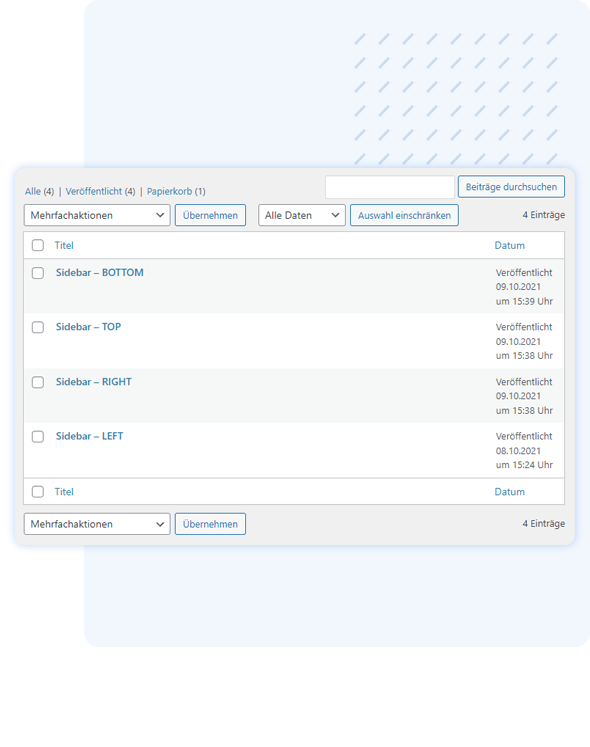
Create and name a new menu under 'Floating Menus' in the WordPress backend.
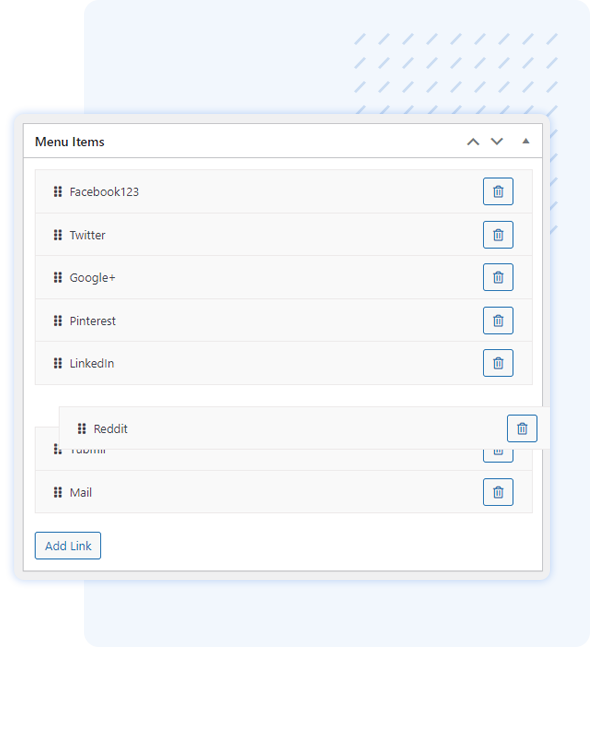
Create menu items with label, link, and Font Awesome icon or custom image – sort via drag and drop.
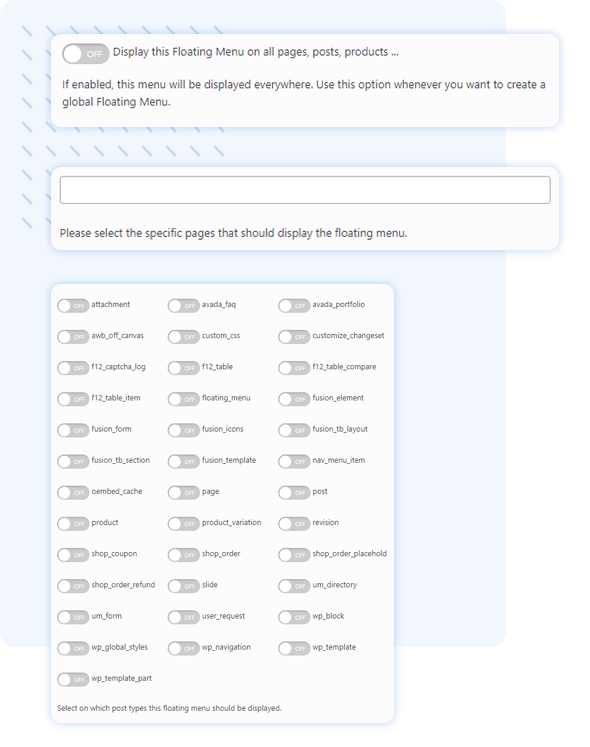
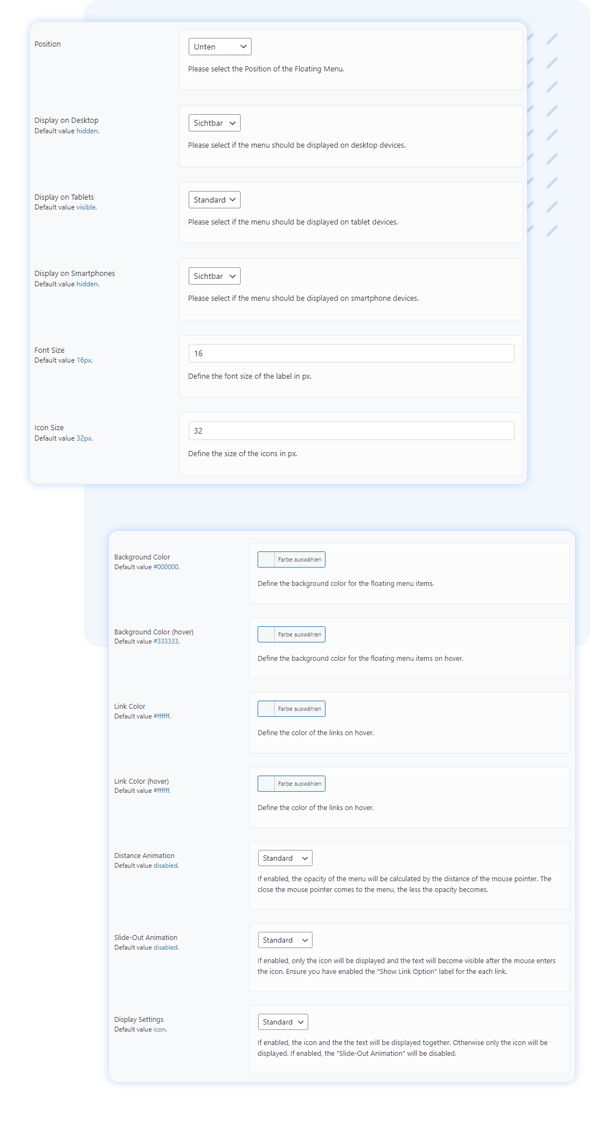
Choose one of the 8 positions, set visibility (pages/post types/language), and styling – immediately live, no code required.
A look inside.
Questions that come up first.
01How many menus can I create?
As many as you want – the plugin is completely free (GPLv3) and imposes no limits.
02What positions are available?
Eight: left, right, top, bottom, and all four screen corners. Multiple menus at the same position will be automatically merged.
03Can I use custom icons?
Yes – choose from over 1,000 Font Awesome icons or upload your own images or external resources.
04Can I control the display on mobile devices?
Yes, separately for desktop, tablet, and smartphone: visible, hidden, or default.
05Is the plugin multilingual?
Yes. WPML and Loco Translate are supported; a menu can be restricted to a specific WPML language.
06Do I need programming skills?
No. Everything is done through the graphical editor; custom CSS and hooks are optional for fine-tuning.