WooCommerce & Shop OperationsAug 09, 2023
How to Add Custom Taxonomies as Search Parameters in FiboSearch Without Additional Plugin (WooCommerce)?
With the FiboSearch plugin, you can easily add an AJAX-based search bar to an online shop that can search products in WordPress/WooCommerce stores based on their attributes and parameters. There are some plugins compatible with FiboSearch that achieve this, but it is not always advisable to go this route, as it can lead to higher RAM usage. If you are comfortable with PHP, you can implement a more elegant solution through the functions.php file.
add_filter( 'dgwt/wcas/indexer/taxonomies', function ( $taxonomies ) {
    $taxonomies[] = array(
        'taxonomy'      => 'product_brand1',
        'labels'        => array(
            'name'          => 'Brands',
            'singular_name' => 'Brand',
        ),
        'image_support' => true,
    );
    return $taxonomies;
} );
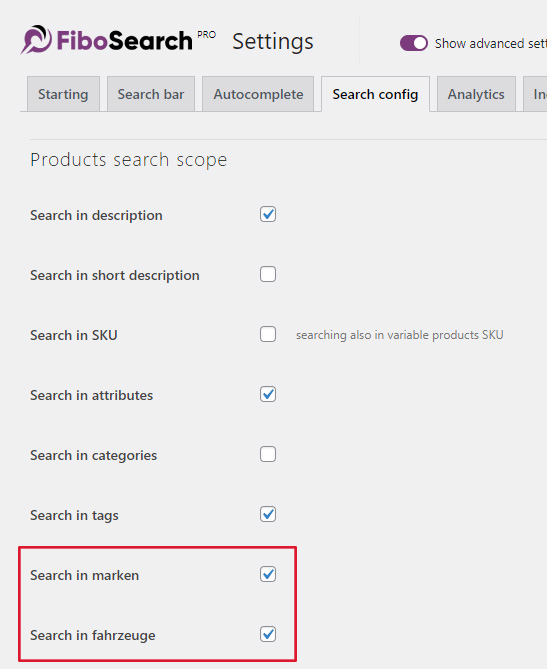
The code snippet shown is inserted into functions.php, where the parameters "taxonomy", "name", and "singular_name" can be filled out according to your individual requirements. In this case, we are adding the taxonomies "brands" and "vehicles" that we want to search for in our shop using the search bar. Once this code is inserted and saved, the two taxonomies will appear as selectable options in FiboSearch under "Search config" and can be activated.
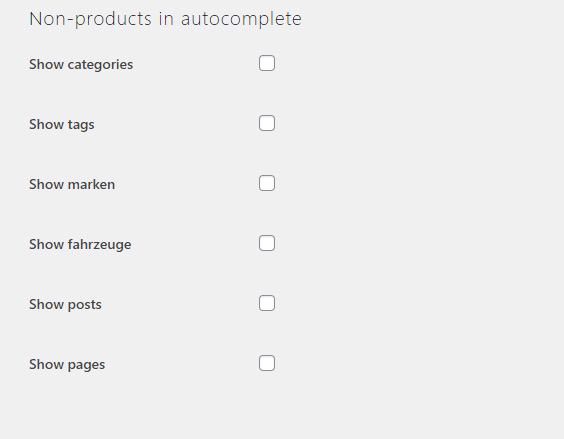
If desired, you can now display the created taxonomies in the autocomplete search under the "Autocomplete" tab next to some predefined options, instead of just the shop's products.
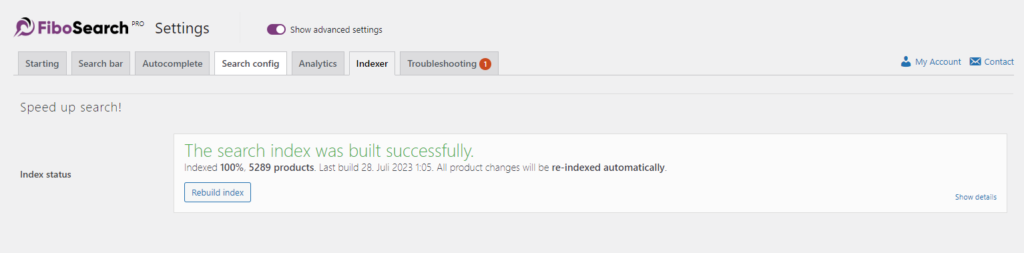
Finally, in the "Indexer" tab, you just need to re-run the index so that the search bar registers the new settings and displays them live to users.