WordPress Errors & MaintenanceJun 15, 2021
WordPress Error Message: The Plugin Could Not Be Fully Removed.
The error message is triggered by WordPress. It is located in the file wp-admin/includes/plugin.php on line 1040.
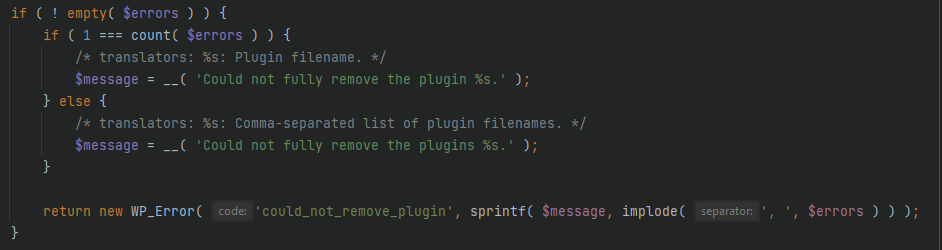
If the error has occurred for you, it means that the files could not be deleted from the server. The reason for this could be incorrect file permissions.
Solution:
Open any FTP client and connect to your web server. Then open the directory /wp-content/plugins/.
There you will find all the WordPress plugins that are present in your WordPress instance. Simply delete the folder with the corresponding plugin name.
Warning: Before deleting, make sure to create a backup of the database and files.