SecuritySep 05, 2024
How to Find Your WordPress Login URL (Change, Lock)
Whether you are a WordPress beginner or an experienced user, sooner or later you will face the question: “How do I find my WordPress login URL?” In this article, I will show you how to find, change, and secure your login URL to protect your WordPress from attacks.
Where can I find the default login URL?
The default login URL in WordPress is easy to recognize. It usually is:
https://yourdomain.com/wp-admin
or
https://yourdomain.com/wp-login.php
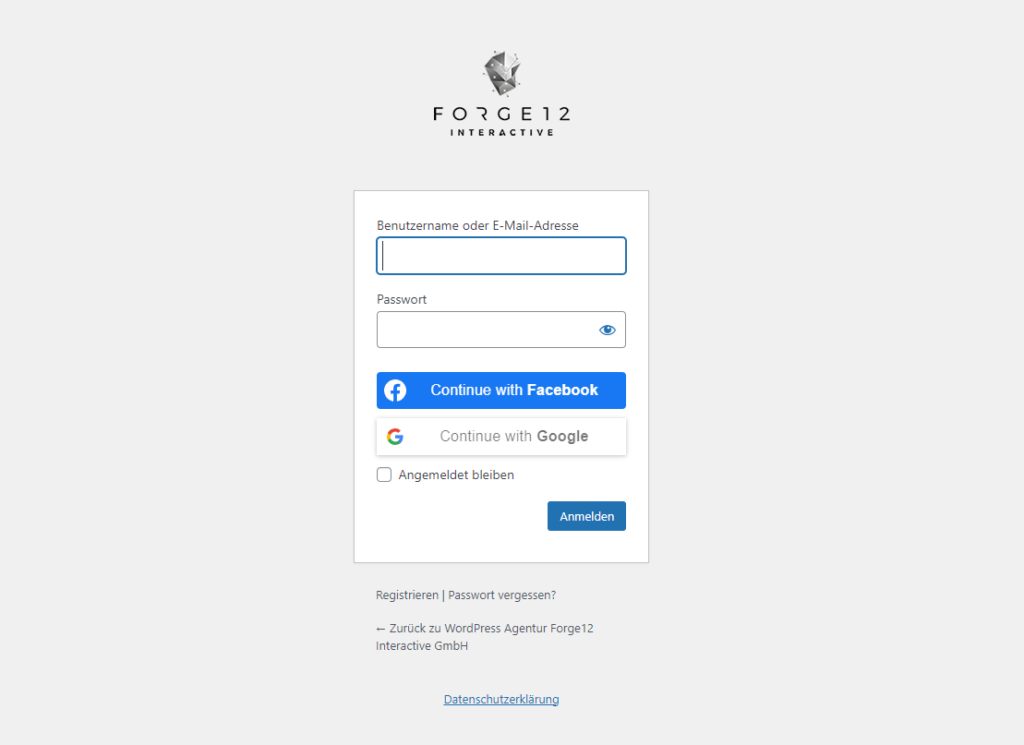
These URLs are the same for all WordPress sites unless they have been manually changed. The wp-admin URL takes you directly to the backend, while wp-login.php displays a page with username and password fields.
Why change the login URL?
Since the default login URL is so well-known, it can be a potential target for hacker attacks. Automated bots often try to gain access through this URL. By changing the login URL, you significantly increase the security of your WordPress site.
How to change the WordPress login URL
To change the default login URL, you can use a plugin. Here are the steps:
Install the “WPS Hide Login” plugin
Go to your WordPress dashboard, click on “Plugins” and search for “WPS Hide Login”. Install and activate the plugin.
Change the URL in the plugin
After installation, you will find the “WPS Hide Login” section in the “Settings”. Here you can set a custom URL, for example:
https://yourdomain.com/my-secure-login
Save and test
Save the changes and test if the new URL works. The old URL will no longer work.
Login protection by blocking the URL
In addition to changing the login URL, you can take various measures to further restrict access to the login page:
IP-based access control
You can restrict access to the login page to specific IP addresses. This can be done through the .htaccess file on your server. Here is an example code:
<Files wp-login.php>
    Order Deny,Allow
    Deny from all
    Allow from your.ip.address
</Files>
With this method, only people with your IP address can access the login page.
Two-Factor Authentication (2FA)
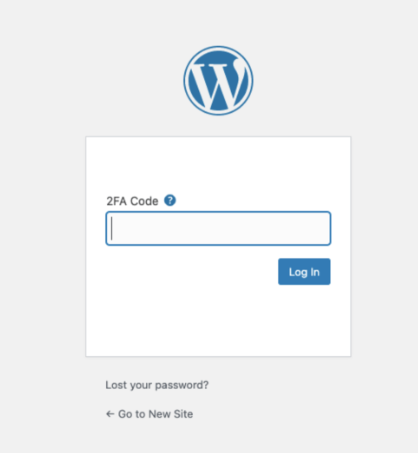
Another important security feature is Two-Factor Authentication (2FA). Plugins like “Google Authenticator” or “Wordfence” offer 2FA, which requires an additional code to log in.
Conclusion
Finding the WordPress login URL is easy, but it is equally important to secure it. By changing the URL and implementing additional protective measures, such as IP-based access control and Two-Factor Authentication, you can significantly enhance the security of your WordPress. Remember to perform regular updates and backups to protect your website from potential threats.
Have you already taken measures to protect your login page? Share your experiences in the comments!