SecuritySep 25, 2020
Prevent WordPress Spam 2020.
Are you wondering how to prevent spam in your comments? Of course, there are plugins that can handle this for you. However, with every plugin you install on your site, you not only affect the performance of your website but also need to regularly check your plugins for updates to ensure that your WordPress site has as few security vulnerabilities as possible.
Limit Spam Without a Plugin
WordPress already offers you several options to avoid unwanted spam. To do this, log in to your administration interface as usual and then navigate to the following section:
- General Settings
- Discussions
There, you can enter a series of words in the comment blacklist that will automatically mark and disable the comment as spam.
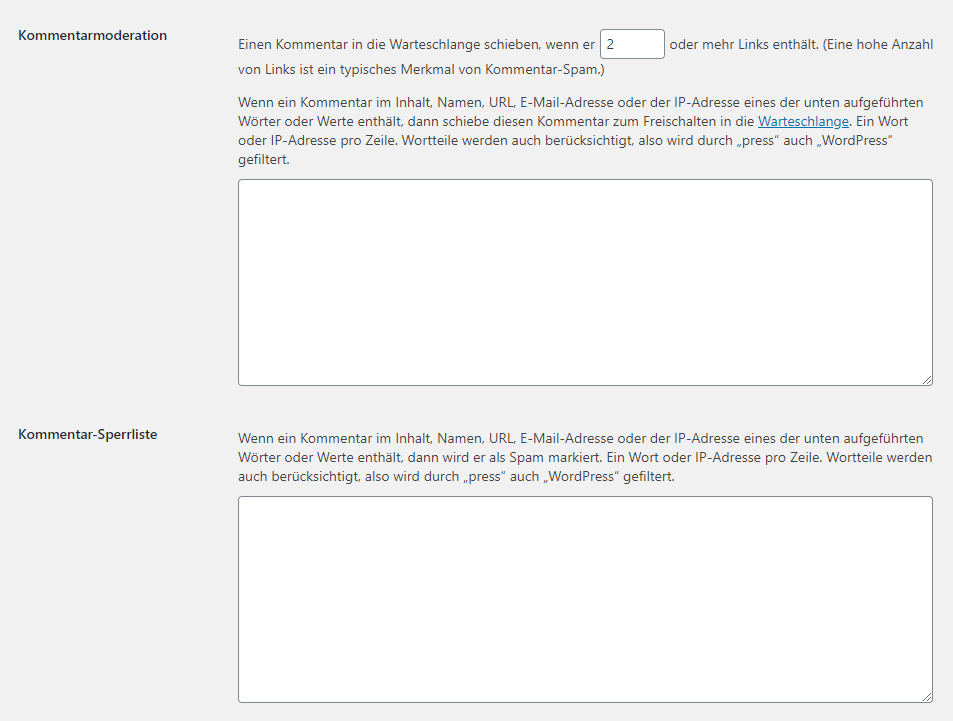
Automatically Moderate Comments with Links.
Spam usually contains many links to external sites to infect visitors with viruses or intercept data. Therefore, WordPress also offers the option to scan posts for links. Once a certain amount is reached, which can also be set in the administration interface settings, these will be automatically disabled and queued for review. This provides additional security.
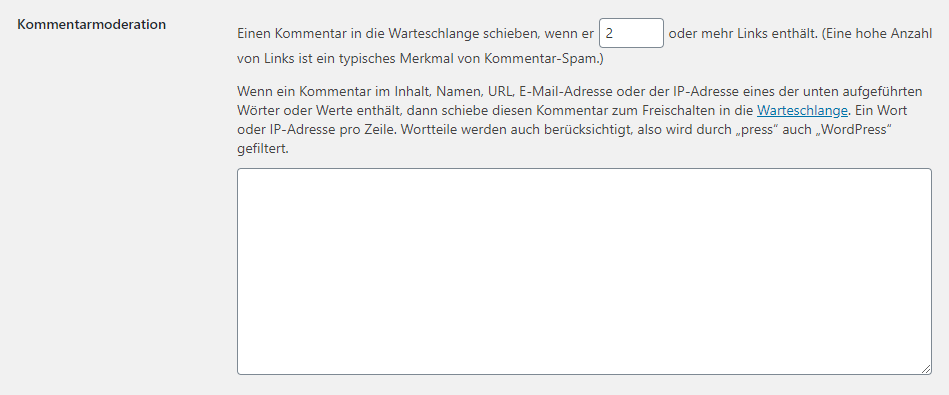
Blacklist for WordPress
Of course, you don't have to reinvent a blacklist every time, so it's advisable to rely on already existing resources and simply expand existing blacklists with your own words. Naturally, you should not just copy individual lists but also check them to ensure that you do not accidentally block terms that are relevant to you and your users.
But where can you find the terms for your own blacklists?
A comprehensive list of words is provided by Grant Hutchinson on his GitHub. You can also use the direct link to the blacklist.txt (currently over 41,000 entries).
Did this article help you? How do you deal with spam? Just leave us a comment and let us know your opinion.